

WHP eSIM 支援多國虛擬網卡|秒速開通 出國首選
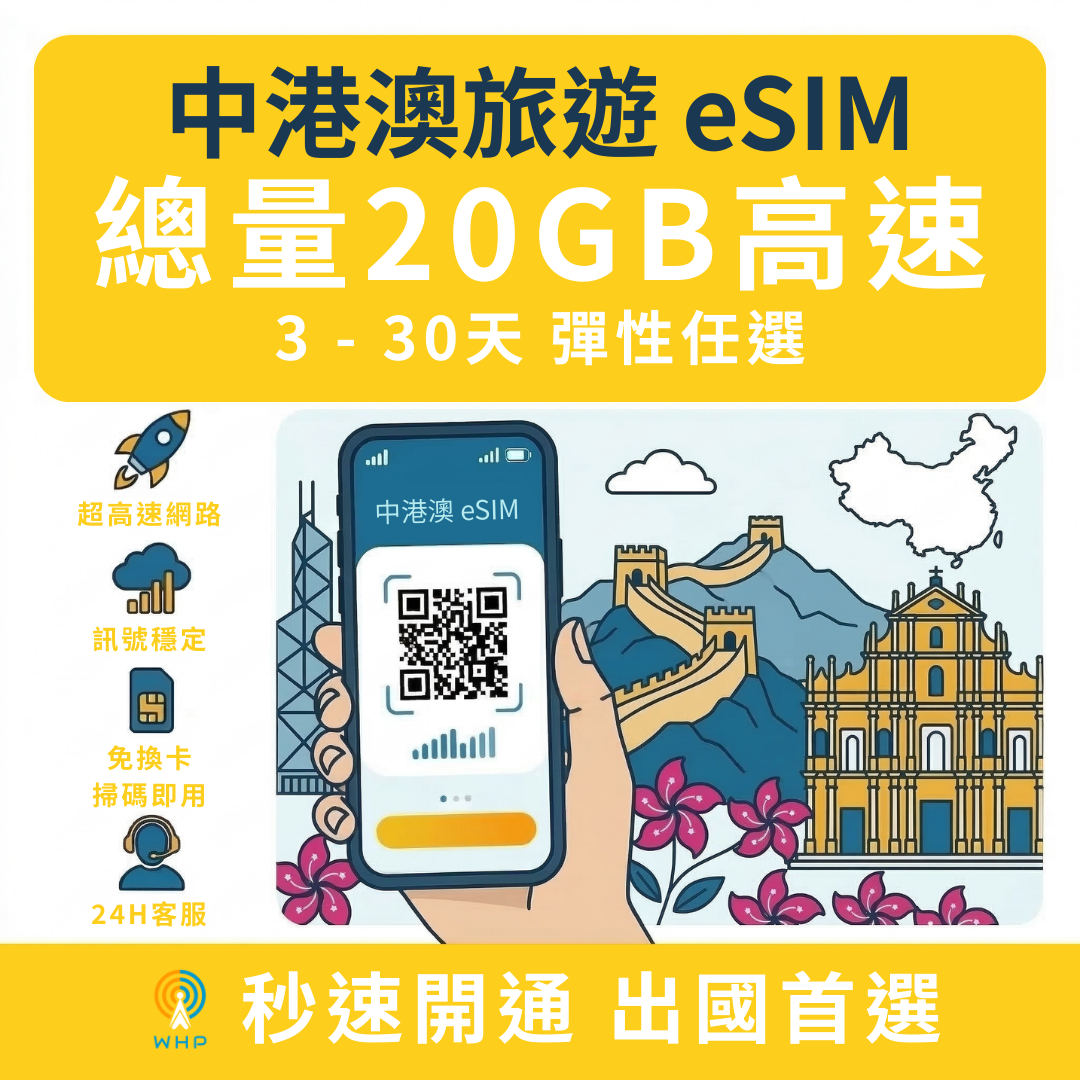
Greater China (Mainland, Hong Kong, and Macau) 20GB High-Speed Data | 3-30 Days (No VPN Needed)
Greater China (Mainland, Hong Kong, and Macau) 20GB High-Speed Data | 3-30 Days (No VPN Needed)
- Simply scan the QR code to quickly complete installation and get online immediately.
- No need to change SIM cards, avoiding the risk of losing your SIM card.
- Free delivery! The QR code will be sent via email within 10 minutes (maximum 24 hours).
- No need to return equipment, no deposit.
- Only provides internet service, does not include call or SMS functions.
Couldn't load pickup availability
分享
Notes
Product Specifications
Days: 3-30 days
Data: Speed throttled after 20GB total
Voice: None
Sharing: Allowed (Pixel series phones may not support hotspot sharing)
Usage area: China, Hong Kong, Macau
Carrier: China Telecom (China), CSL (Hong Kong), China Telecom (Macau)
Order Notes
Confirm Device Compatibility:
Before purchasing, please confirm that your device is unlocked and supports eSIM functionality. We recommend checking the official website or your device's specifications to confirm eSIM support.
We are not responsible for non-use due to unsupported or locked devices, nor do we accept returns or exchanges in such cases.
Confirm Coverage Area:
Please ensure that your travel destination is within the applicable coverage area. Some areas may experience weak signals or no coverage; we recommend checking local network coverage in advance.
Activation Method:
The eSIM will be sent via [email / QR Code]. Upon receipt, please follow the provided instructions for installation and activation.
No Modifications After Ordering:
Once an order is placed, no modifications will be accepted. Please place your order only after confirming all details are correct.
Returns & Exchanges
No Returns or Exchanges:
eSIMs are digital products, and once sold, they are not eligible for returns or refunds.
Returns or exchanges will not be accepted if the eSIM cannot be used due to personal reasons (such as device incompatibility, incorrect installation, or failure to activate on time).
Product Issues and Compensation:
If the eSIM itself experiences activation failures, connection anomalies, or other technical issues, please contact customer service within [X days of ordering]. We will assist in troubleshooting and resolving the problem.
If confirmed to be a product issue, we will compensate or replace the eSIM as appropriate.
Force Majeure:
We are not responsible for and will not issue refunds or exchanges for cases where the eSIM cannot be used due to force majeure events such as changes in carrier policies, local network outages, or natural disasters.
Contact Information:
For any questions or assistance, please contact our customer service team via [Contact method, e.g., Email, Line, Customer Service Hotline].
【Network Coverage and Signal Disclaimer】
The internet speed and signal strength of this eSIM plan depend on the coverage of the local carrier's base stations. Due to their unique terrain, island nations may have different infrastructure compared to urban areas. If you experience poor signal or network disconnection in environments such as "sea navigation, offshore islands, remote coastlines, mountainous areas, or indoors with many obstructions," this is due to infrastructure limitations, which are considered a force majeure factor. Such discrepancies in network experience caused by local geographical conditions are not covered by our full refund guarantee. Please carefully evaluate your itinerary before purchasing.
eSIM Installation Steps
For iPhone:
Go to: Settings → Cellular → Add Cellular Plan
Scan QR Code: Tap "Scan QR Code" and scan the eSIM QR code we provide.
Confirm Installation: Follow the prompts to complete the eSIM installation and set it as your primary or secondary data plan.
Turn on Data Roaming: Go to Settings → Cellular → Cellular Data Options, and make sure Data Roaming is turned on.
Restart Device: After installation, it is recommended to restart your phone to ensure the settings take effect.
For Android (using Google Pixel as an example):
Go to: Settings → Network & internet → SIMs
Add eSIM: Tap "Add cellular plan" and select "Use QR code."
Scan QR Code: Use your camera to scan the eSIM QR code we provide.
Confirm Installation: Follow the prompts to complete the eSIM installation and set it as your primary or secondary data plan.
Turn on Data Roaming: Go to Settings → Network & internet → Data roaming, and make sure it is turned on.
Restart Device: After installation, it is recommended to restart your phone to ensure the settings take effect.
Data Plan Settings
After installation, please ensure that Cellular Data is enabled.
It is recommended to set the eSIM as your Primary cellular data source to ensure a stable connection.
If you have a dual SIM setup, please ensure that data roaming for the eSIM is enabled to avoid connection interruptions.
Internet Communication Fair Usage Policy Reminder
Data Limit and Speed Adjustment:
Under the Fair Usage Policy, once a user reaches a certain data limit, their internet speed may be throttled or their data service suspended to ensure a fair usage experience for all users. The specific data limit and speed adjustment standards are subject to the local telecommunications operator's policy.
Prohibition of Abuse or Abnormal Use:
Excessive downloading, prolonged video streaming, P2P downloading, server hosting, or other abnormally high data usage activities are strictly prohibited.
If determined to be abnormal usage, the telecommunications operator reserves the right to suspend or restrict data services without compensation.
Scope of Application and Precautions:
Internet speed and coverage in some countries or regions may be affected by local policies. To ensure the best user experience, it is recommended to check local network coverage and data policies before use.
Customer Responsibilities:
Before using this eSIM, please ensure your device is unlocked and supports eSIM functionality.
By purchasing, you acknowledge that you have read and agreed to this network communication fair usage policy.


